The Panel Isn’t Forming Properly or Having Shape Issues
Tooling alignment, entry guide, arbor position, and die alignment checks when a panel comes out crooked or mis-shaped.
//1 min read
If the finished panel doesn’t look straight, has shape issues, or the legs are the wrong size, this could mean a few things. Work through the checks below:
Check that your profile tooling is set up properly and in alignment.
Ensure your entry guide is set up correctly for the coil width you’re using.
Ensure the material position on the expandable arbor is correct for the tooling profile in the machine. The arbor adjuster must also be on the correct side of the machine.
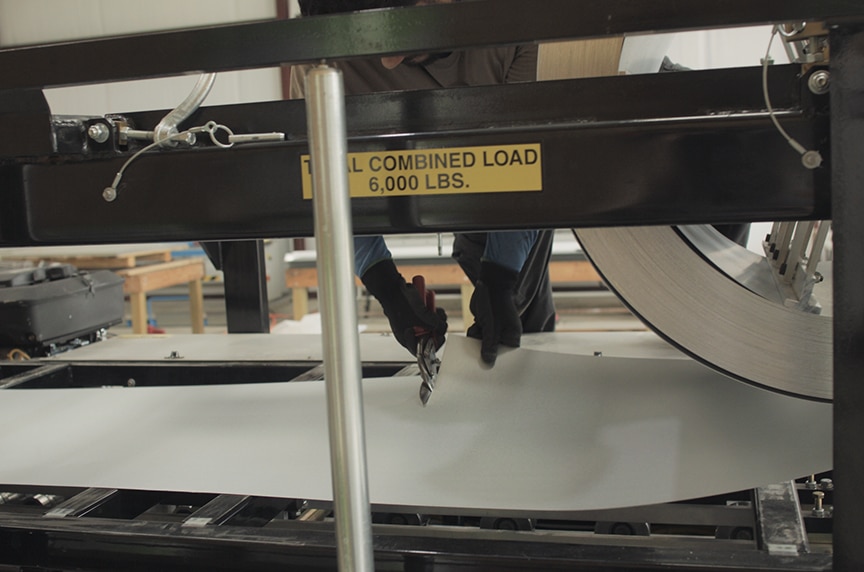
Check that entry rollers and shear/profile dies are correctly aligned to the material.
A video demonstration of these procedures is available on the source article. Although it demonstrates the steps on an SSQ II machine, the process is similar for the SSH and SSR machines — refer to your specific machine manual for detailed instructions.