What Do I Do if My Machine Is Stuck in “Maintenance Mode” When Using the UNIQ® Control System?
Maintenance mode is a normal UNIQ safety state when covers and guards are off — here is how to exit it.
//1 min read
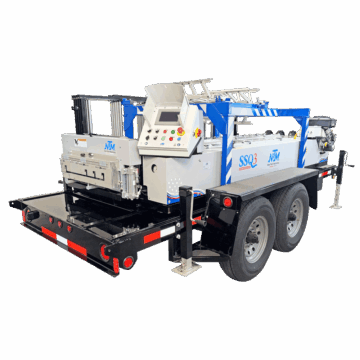
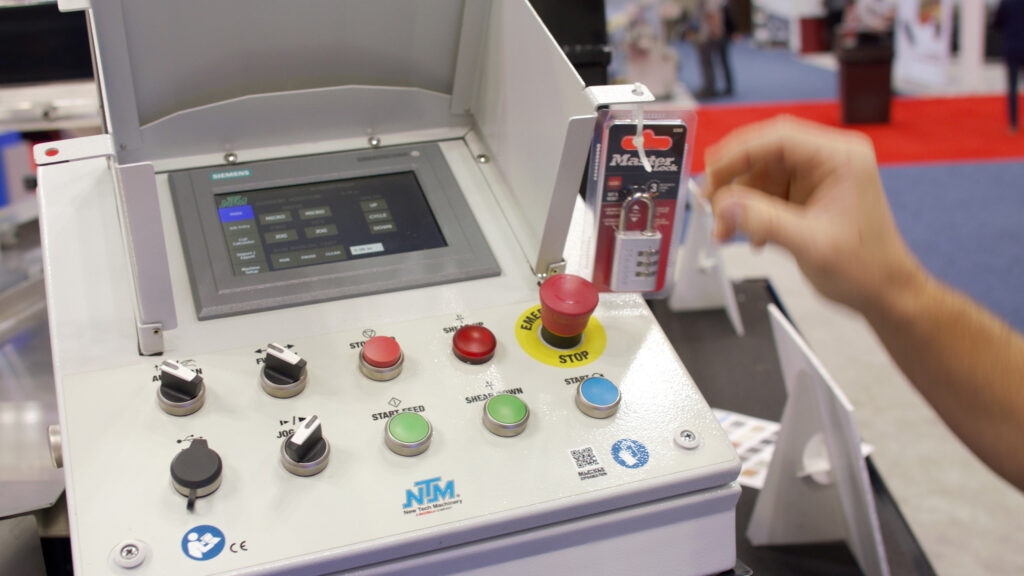
When the covers and guards are off of your machine, the machine will operate in “maintenance mode.” This is a normal safety function of the UNIQ® Automatic Control System and will not allow you to use any of the automatic functions (automatic run mode, automatic shear, programming recipes, etc.). When maintenance mode is activated, only the push buttons on the controller panel can be used.
To exit maintenance mode, first make sure your machine is set up correctly with all outside covers and shear guards in place. Make sure the shear magnets / sensors are aligned properly. Once all covers, guards, and sensors are in place, you can access automatic operation with the UNIQ Control System.
If you haven’t yet, update your UNIQ Automatic Control System to the latest software.