Why Is the Finished Panel Not the Length I Programmed Into My Controller?
Align and tension the encoder so programmed panel lengths match the finished panel.
//1 min read
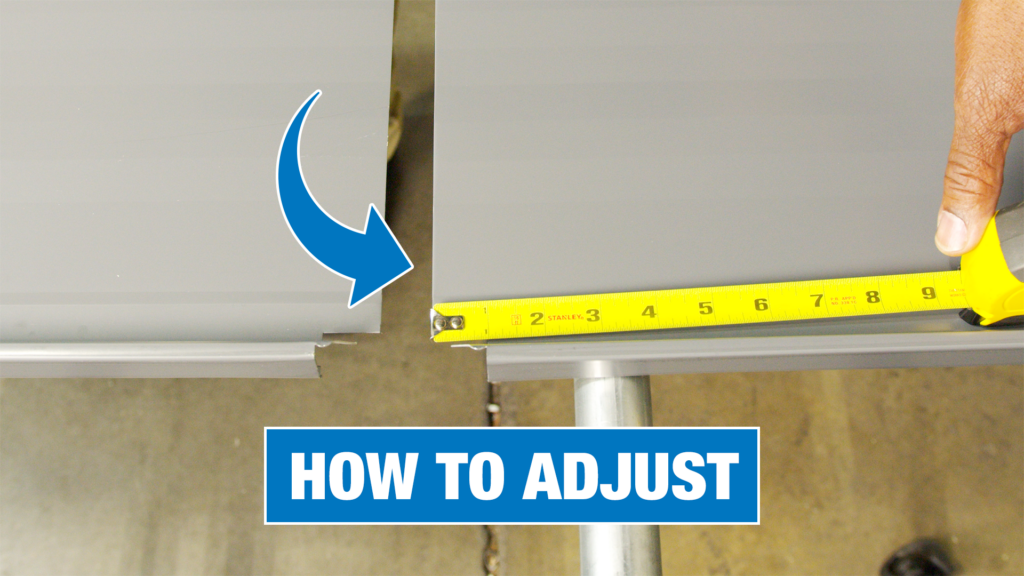
If the panel is a different length than you programmed into your PLC or EZ-Counter controllers, the most common cause is that the encoder may need adjustment. Make sure your encoder is making contact with the material inside the machine and that the tension is set properly.
Using the 5/32″ hex wrench and 7/16″ boxed-end wrench, ensure the through-bolt is tight but do not over-tighten.
Remove the rubber cap on top of the encoder.
Using the 3/32″ hex wrench, apply pressure to the encoder and tighten the internal spring. This allows the encoder to make contact with the panel.
Reinstall the rubber cap on top of the encoder and replace all covers and guards.
Note: SSQ II MultiPro machines use a self-tensioning encoder, so this process does not apply. If you encounter any issues or if you are using the UNIQ Control System, please contact the Service department.